
FREE QR CODE GENERATOR
Create a custom QR code with your logo and colors for free. No watermark, no scan limits and links that never expire.
Preview
0 of 3 free vector (SVG/PDF) downloads
How to Make a QR Code
Create, customize, and track your QR codes in 3 simple steps.
Enter your link or content
Select your format above (Website URL, WiFi, vCard, Email, SMS) and paste your link into the generator.
Customize colors & design
Personalize with custom brand colors, dot patterns, corner eyes, frames, or upload your company logo.
Download or go Dynamic
Download your high-res PNG for free. Or toggle Dynamic QR to edit your destination link anytime after printing and track real-time scan analytics.

Included with Your Free Account
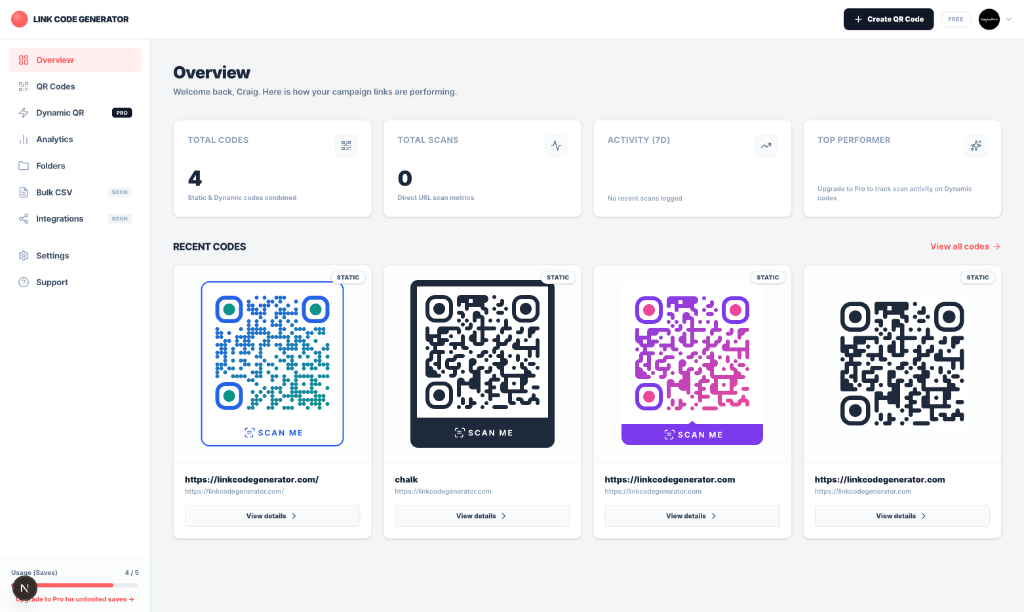
Save up to 5 QR codes
Store and organize your custom QR codes in your dashboard for instant access.
Upload custom logos & brand icons
Embed your company logo, social icon, or image directly in your QR code to increase trust and boost scan rates.
10 Monthly vector exports
Get print-ready SVG and PDF vector files each month with zero watermarks for high-quality printing.

Unlock Powerful Pro Features
100 Dynamic QR codes
Change your destination URL anytime after printing without having to reprint flyers, menus, or packaging.
Real-time scan analytics
Track total scans, geolocation, devices, and peak scanning times directly from your dashboard.
Unlimited vector exports
Download unlimited SVG and PDF files with zero monthly limits for high-volume commercial print runs.
Smart redirect rules (device, country, time)
Automatically route scanners to different destination URLs based on device OS, country, or time of day.
Edit Links Anytime. Track Every Single Scan.
Track real-time scans, locations, devices, and peak hours from your dashboard.
QR codes for every industry
See how businesses use QR codes to connect the physical and digital world.

Restaurant Menus
Replace paper menus with scannable QR codes on every table. Update specials without reprinting.
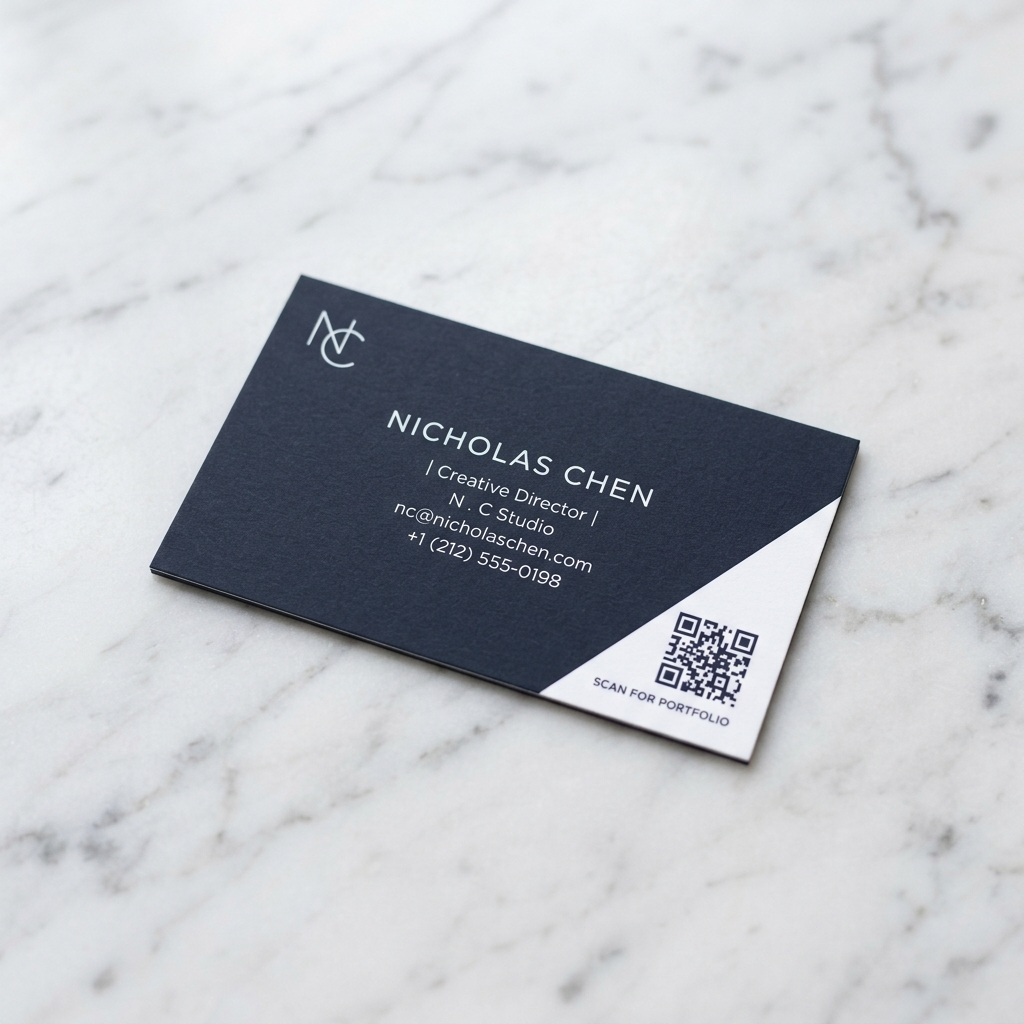
Business Cards
Add a QR code linking to your portfolio, LinkedIn, or vCard. Change the URL without new cards.

Product Packaging
Link customers to manuals, warranty info, or seasonal promotions right from the box.

Events & Conferences
Drive registrations, share schedules, and collect feedback with scannable event materials.

Real Estate Signs
Let buyers scan for virtual tours, floor plans, and listing details from the yard sign.
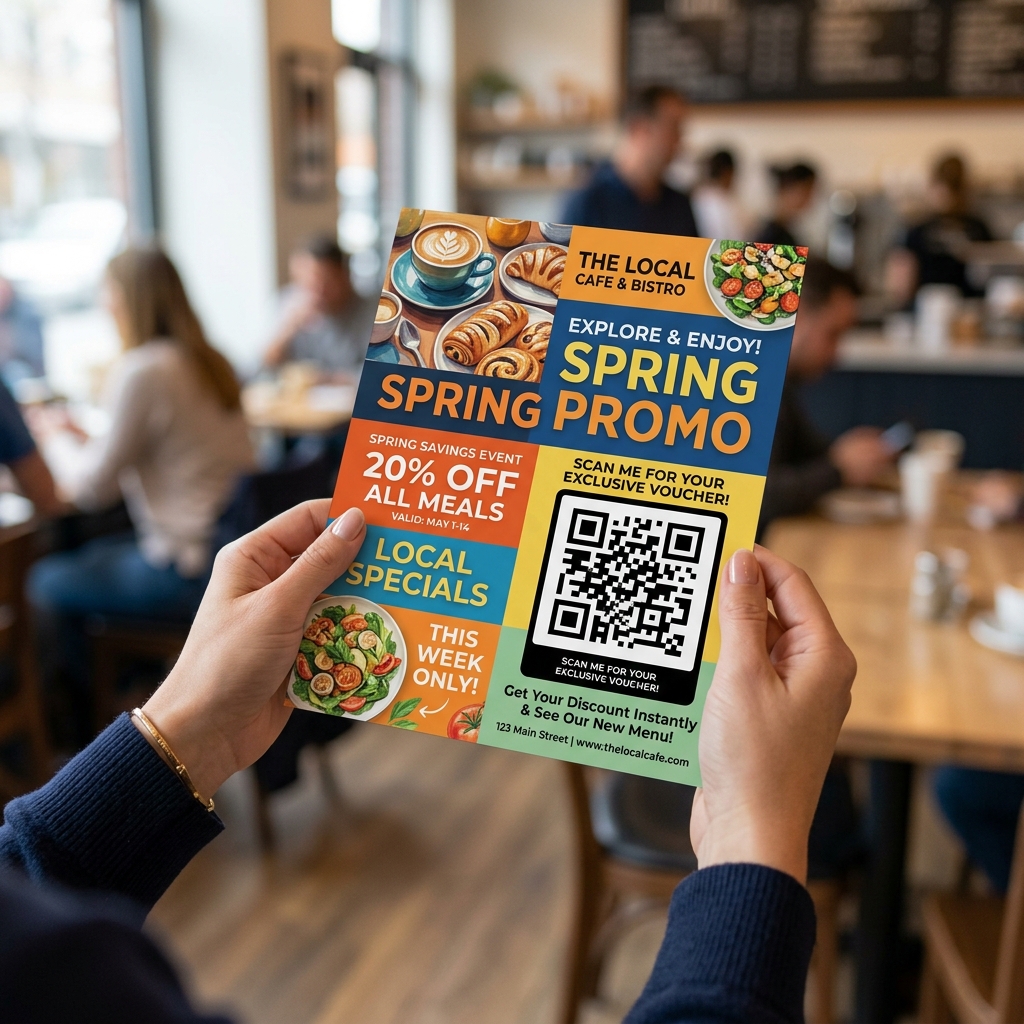
Marketing Flyers
Bridge print and digital campaigns. Track which flyers drive the most traffic.
How QR Codes Work and Why Your Links Never Expire Here
I built Link Code Generator after 20+ years in marketing because I was sick of scammy QR code websites. You know the ones: they let you create a "free" QR code, but 14 days after you print 5,000 flyers or menus, they break your links and demand $30/month to turn them back on. That's ridiculous, and I wanted to fix it.
Static QR Codes: Your link is baked directly into the black-and-white pixels. They are generated right in your browser, completely free forever, never expire, and have unlimited scans because they don't depend on any server.
Dynamic QR Codes: If you ever need to edit your destination link after printing (or track scan counts and analytics), Dynamic QR codes route through a clean short link that you can update anytime without reprinting.
No trial traps, no watermarks, no credit card required, and no hostage links. Just high-res PNG and vector SVG downloads that work forever.


Never reprint again. Edit links & track every scan in real time.
Change your destination URL in seconds without touching your printed packaging, flyers, or menus. Track total scans, locations, devices, and peak times from your dashboard.
- Unlimited SVG/PDF exports
- 100 dynamic QR Codes
- Edit destination URL anytime
- Track scan analytics
- Unlimited saved QR Codes
- Smart redirect rules (device, country, time)
The fine print, in plain English:
- No scan limits, ever. Unlimited scans on every dynamic code.
- Your codes never get held hostage. If your plan lapses, printed codes keep redirecting. You only lose editing until you reactivate.
- Cancel in one click from your dashboard. No retention tricks, no support emails required.
Choose your billing





How to Make a QR Code (Step by Step)
Making a QR code with this tool takes about 30 seconds. Here's how it works: paste your URL, website, or link into the input field at the top of the page. The tool generates your QR code instantly. No account required, no watermarks, completely free.
You're not limited to website links either. Use the tabs above the input to create WiFi QR codes that let guests join your network with one scan, vCard QR codes for digital business cards, SMS codes, email codes, and more. Pick the type, fill in the details, and your code appears in the preview on the right.
Customize Colors, Shapes, and Your Logo
Click the color, shape, or logo options below the input to make your QR code match your brand. You can change the dot color, background color, dot pattern, and corner shapes. You can also drop your logo right into the center of the code. It still scans perfectly because QR codes have built-in error correction that handles it.
One important rule: keep your dots dark and your background light. Inverted colors (white dots on a dark background) don't scan reliably on every phone. If you're using brand colors, test the code with your phone camera before printing.
Download as PNG, SVG, or PDF
Once your code looks right, download it. PNG works great for websites, emails, and presentations. For printing (business cards, flyers, packaging, signage), use SVG or PDF. These are vector formats, which means they scale to any size without losing quality. No pixelation, no blurriness, no matter how large you print.
Static vs. Dynamic QR Codes
By default, this tool creates static QR codes. Your link is baked directly into the black-and-white pattern. There's no server in between, no expiration date, and no scan limits. It just works, forever.
If you need to change where the code points after printing, or track how many times it gets scanned, toggle on Dynamic QR Code above the input. Dynamic codes route through a short redirect link that you can update anytime from your dashboard. That's a Pro feature, but the static codes are 100% free, permanently.
What Size Should a QR Code Be?
- Business cards: At least 1.5 x 1.5 cm. Smaller than that and phone cameras struggle to focus.
- Flyers and posters: 3-5 cm works for arm's-length scanning.
- Signage and banners: Multiply the viewing distance in meters by 3 to get the minimum size in centimeters. A sign 5 meters away needs a code at least 15 cm wide.
- Product packaging: 2-3 cm minimum, with a clear white border (quiet zone) around the code. GS1 standards recommend at least 1 cm of margin on all sides.
Frequently Asked Questions
Find quick answers to common questions about using our QR code, link tracking, and communication tools.
Do QR codes expire?
Static QR codes (like those generated here that directly encode a URL) never expire - they will keep working as long as the destination URL is live. Dynamic QR codes (which redirect through a tracking service) can be set to expire by some platforms. Since our tool generates standard static codes, your QR code will work indefinitely at no cost.
Can I change the destination URL of a QR code after printing?
No - static QR codes encode the URL directly. To change the destination after printing, you would need to use a UTM-tagged short link (like those created by our URL Shortener) as the QR code's URL. That way, the QR code always points to the short link, but you can update the short link's destination at any time.
Why is my QR code not scanning?
The most common causes: (1) insufficient color contrast between dots and background, (2) no quiet zone - ensure at least 4 module-widths of white space border the code on all sides, (3) the code is too small for the viewing distance, (4) the logo covers too much of the code (keep it under 25% of total area). You can also increase the Error Correction Level in Advanced settings to improve scan reliability.
Is Link Code Generator actually free? What's the catch?
Yes - every tool is free to use with no account and no watermarks. PNG downloads are unlimited forever. Pro exists for professional extras (unlimited vector exports, dynamic QR codes, scan analytics), but you'll never hit a paywall to simply generate a link or QR code.
Do I need to create an account to use the tools?
No account is needed for any tool. You can jump in and generate QR codes, UTM links, or WhatsApp links in seconds. Signing in with Google is optional - it lets you save and revisit your work from the dashboard.
Are the QR codes permanent? Will they stop working?
Static QR codes (URL, WiFi, vCard, Email, etc.) are generated entirely in your browser and encode data directly into the image. They don't go through our servers and will work forever - there's nothing to 'expire'. They are not dynamic redirect links, so there's no tracking or server dependency.
Is my data private? Do you store what I enter?
Your data stays in your browser. Our tools generate output client-side, meaning we never see or store the URLs, phone numbers, or text you type. The only exception is if you choose to sign in and save a project - in that case, saved data is stored securely in your account.
Can I use the generated QR codes and links commercially?
Absolutely. Everything you generate here is yours to use however you like - on packaging, ads, business cards, client campaigns, you name it. No attribution required.
I found a bug or a feature I'd like to see - who do I contact?
We genuinely want to hear from you. Email us directly at [email protected] or drop us a note via our contact form. Bug reports and feature requests directly shape what we build next. Response times vary, but we read everything.
Why do I need to sign in with Google? Is it secure?
We use Google Authentication to keep your account highly secure - you don't even need to create another password. We only request basic profile access (your name and email) to set up your account. Your dashboard and generated codes are completely private to you.
Is my credit card information secure?
Yes. All transactions are securely processed by Stripe, meaning we never see, touch, or store your credit card data.
Get Dynamic QR Codes & Analytics
Edit destination links anytime after printing, track scan analytics, and export unlimited print-ready SVG and PDF vector files.