
Update your printed QR codes anytime. Never reprint again.
Change destinations in seconds without altering the printed pattern. Avoid costly reprints and broken link disasters with permanent dynamic redirects.
Your printed materials should never become obsolete because a web link changed.
- Change destinations anytime without reprinting
- Zero scan limits, unlimited redirects forever
- Real-time scan analytics by device and country
- Print-ready SVG and PDF vector exports
How to Make a Dynamic QR Code
Create, customize, and route your dynamic QR codes in 3 simple steps.
Enter your destination link
Paste your destination URL and customize with custom brand colors, dot patterns, corner eyes, or your company logo.
Download print-ready vectors
Download crisp SVG or PDF vector files for commercial printing. Your QR pattern never changes and codes never expire.
Update links & smart redirects
Change destinations anytime without reprinting. Add smart redirect rules to route iOS scanners to the App Store and Android to Google Play.
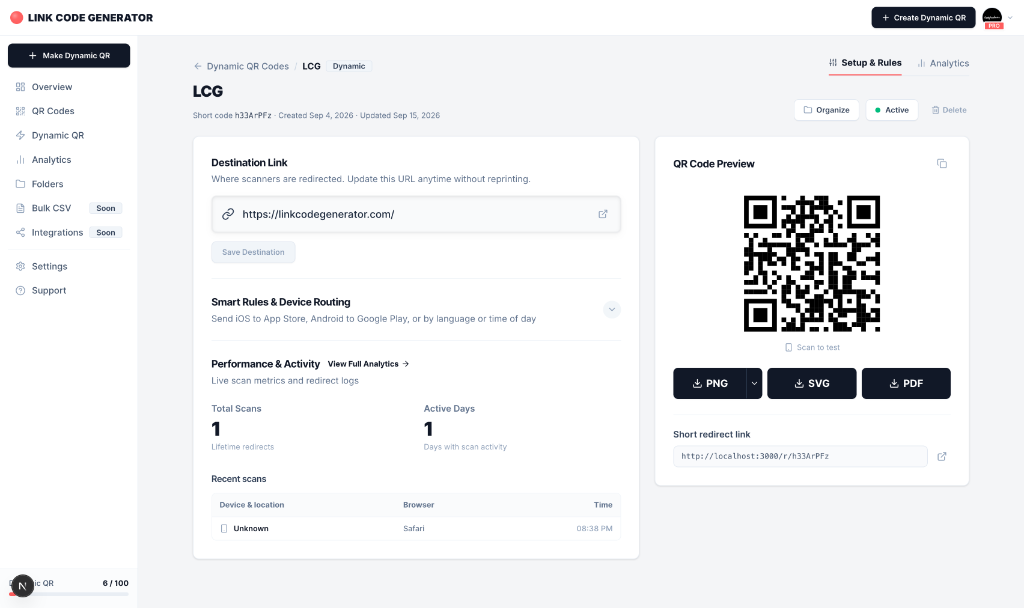
Update Destinations In Seconds From One Dashboard
Change destination URLs anytime without reprinting. Configure smart device routing, track live scan metrics, and export print-ready vector files all in one place.
Scan Analytics And Actionable Telemetry
Measure real world campaigns with detailed geographic, device, and temporal analytics.
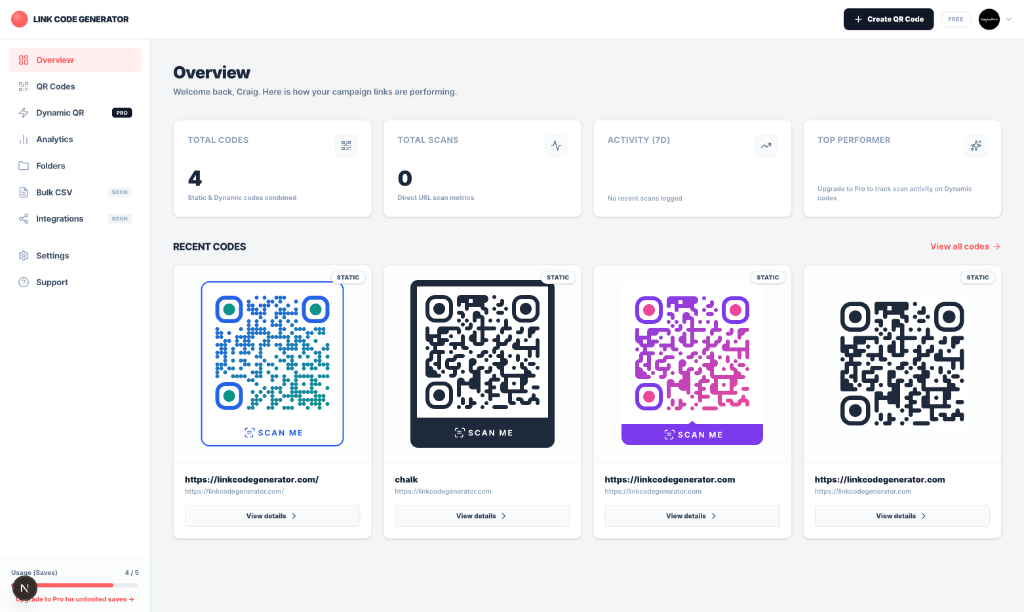
Static vs Dynamic: Clear Comparison
Understand the core technical and operational differences before sending files to print.
| Feature | Static (Free) | Dynamic (Pro) |
|---|---|---|
| Edit destination after print | ✕ | |
| Live scan analytics & telemetry | ✕ | |
| Device & OS redirection rules | ✕ | |
| Works offline (no server) | ✕ | |
| Free to generate | ✕ | |
| Vector SVG and PDF export | 10/month | Unlimited |
| Monthly scan threshold | N/A | Unlimited |
| Permanent link safety |
Built For Every Physical Print Context
See how physical businesses use dynamic QR codes to eliminate reprinting costs and keep materials up to date.
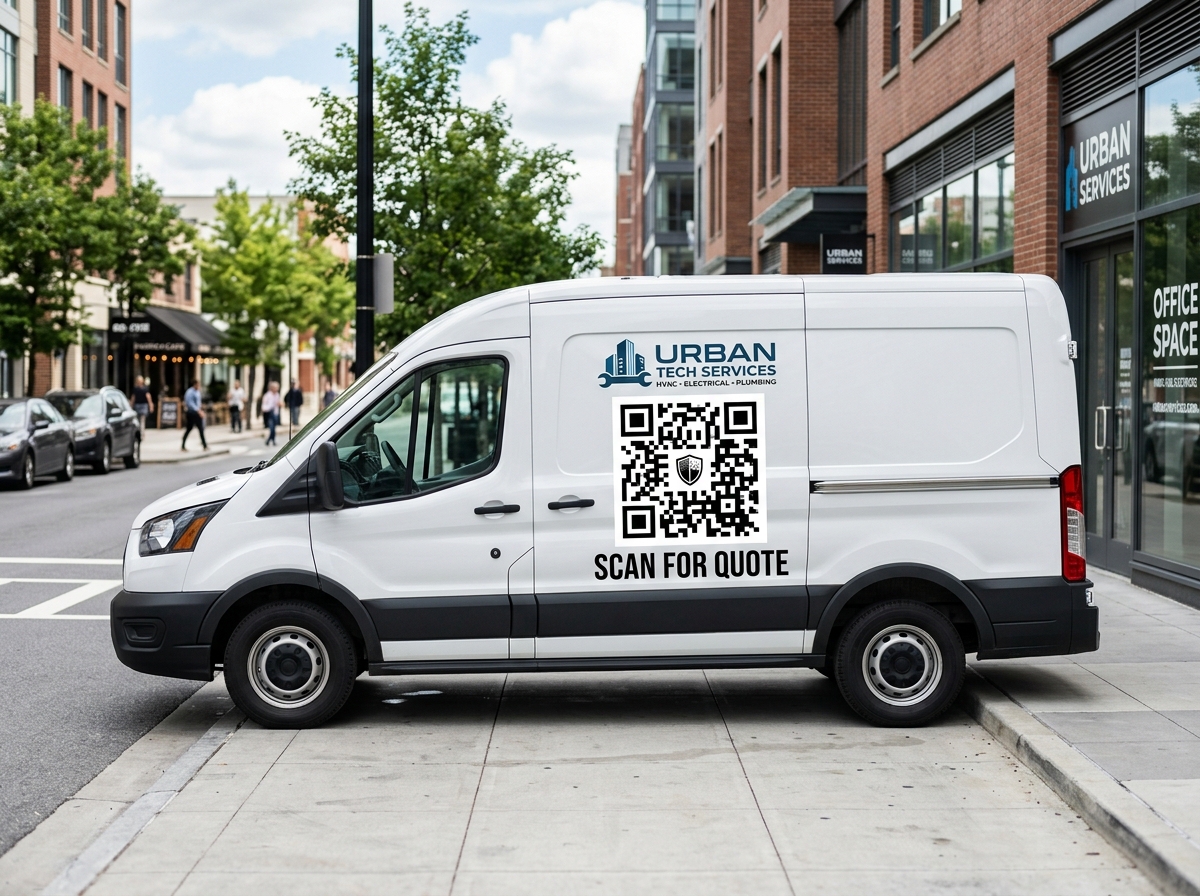
Vehicle Wraps & Decals
Turn service vans, trucks, and company fleets into 24/7 lead magnets. Redirect scans to seasonal service specials or instant quote forms.
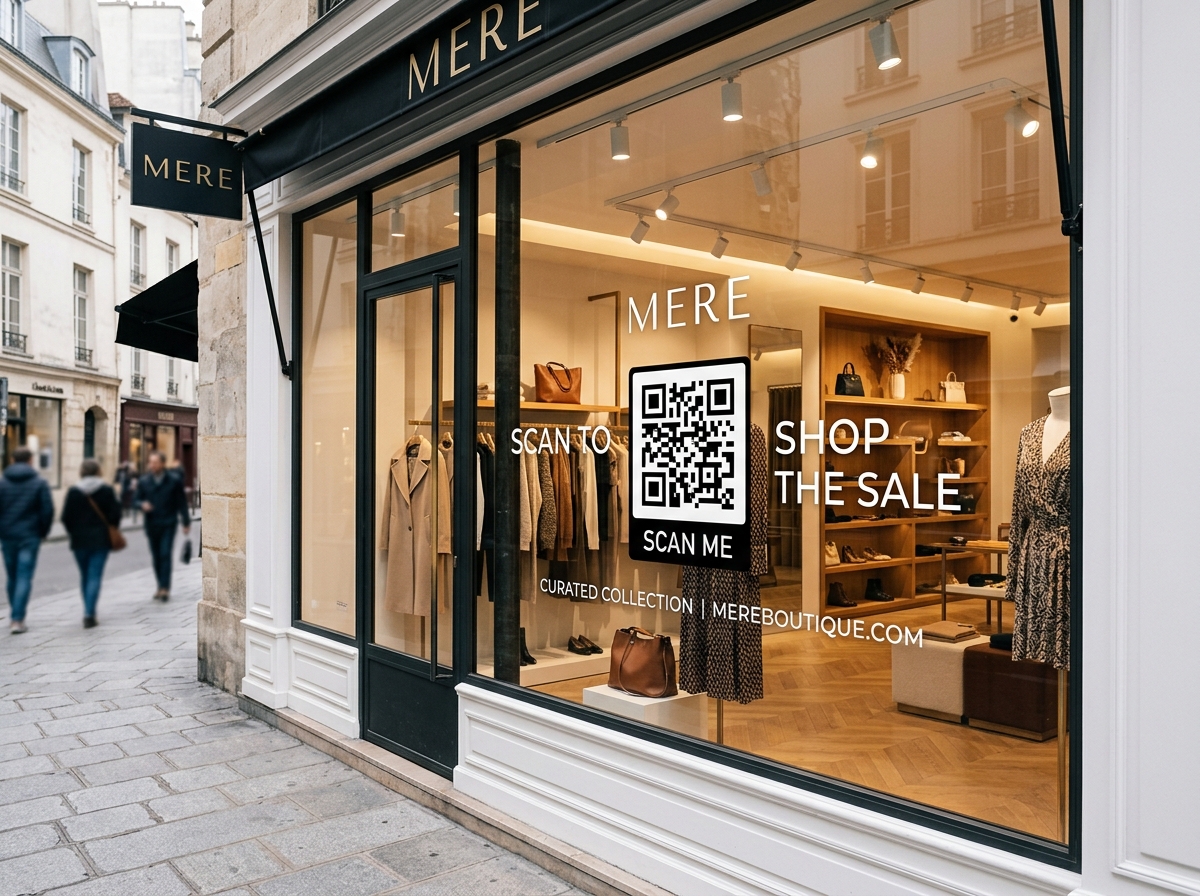
Retail & Storefronts
Engage foot traffic even when the doors are closed. Direct window shoppers to flash sales, new collections, or VIP loyalty clubs.
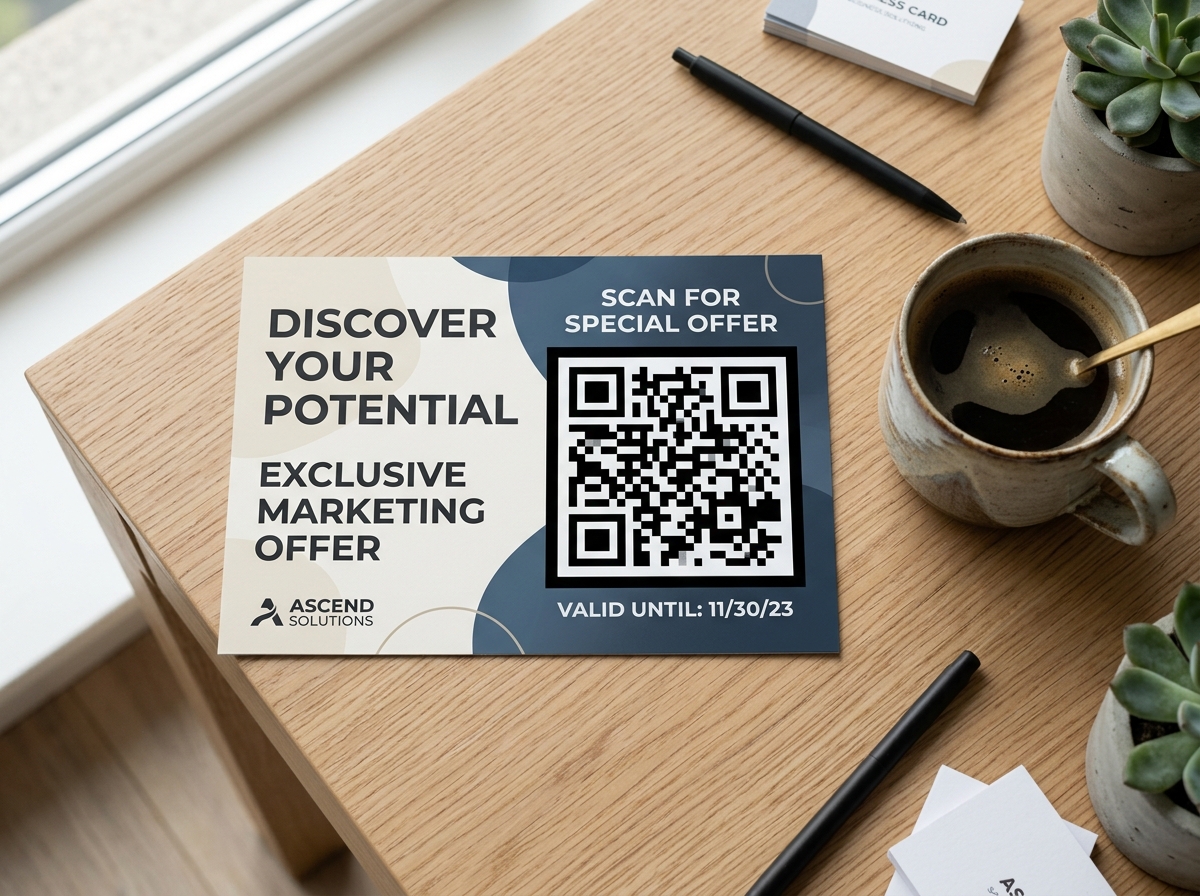
Direct Mail & Postcards
Print postcards and mailers with total confidence. Route recipients to dynamic campaign pages and measure exact response rates.
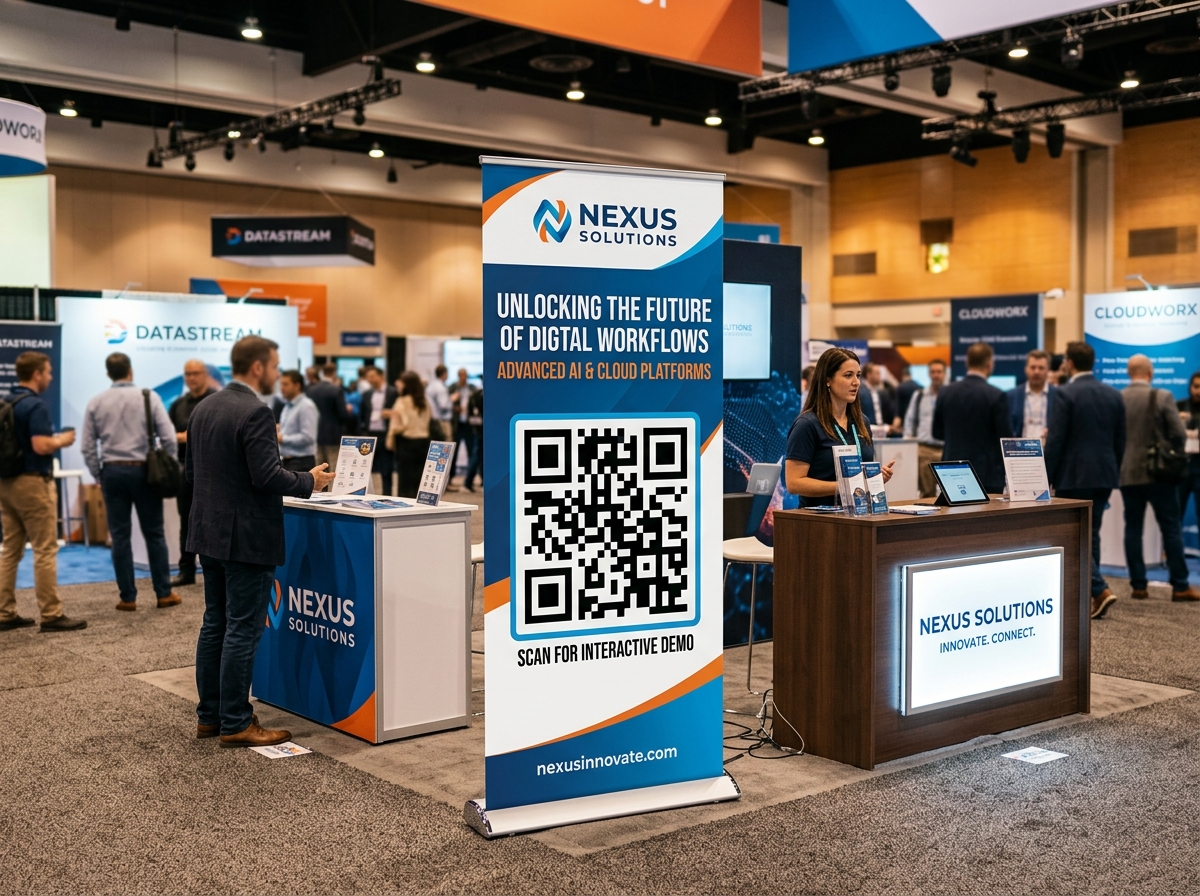
Trade Show Banners
Print large-format pull-up banners and backdrops. Point attendees to current event collateral, interactive demos, or digital business cards.
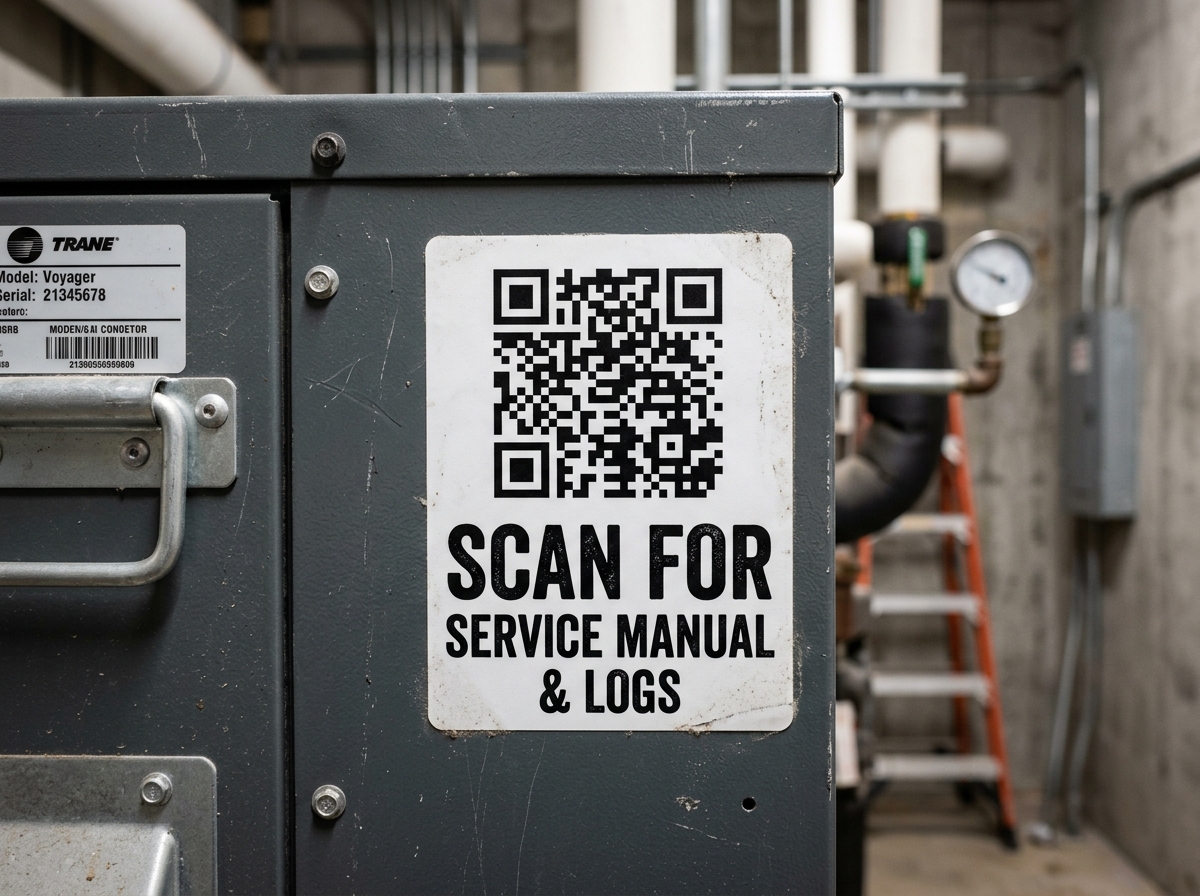
Equipment & Asset Stickers
Place durable weatherproof stickers on tools, machinery, or HVAC units. Route technicians to digital maintenance logs, schematics, and service forms.
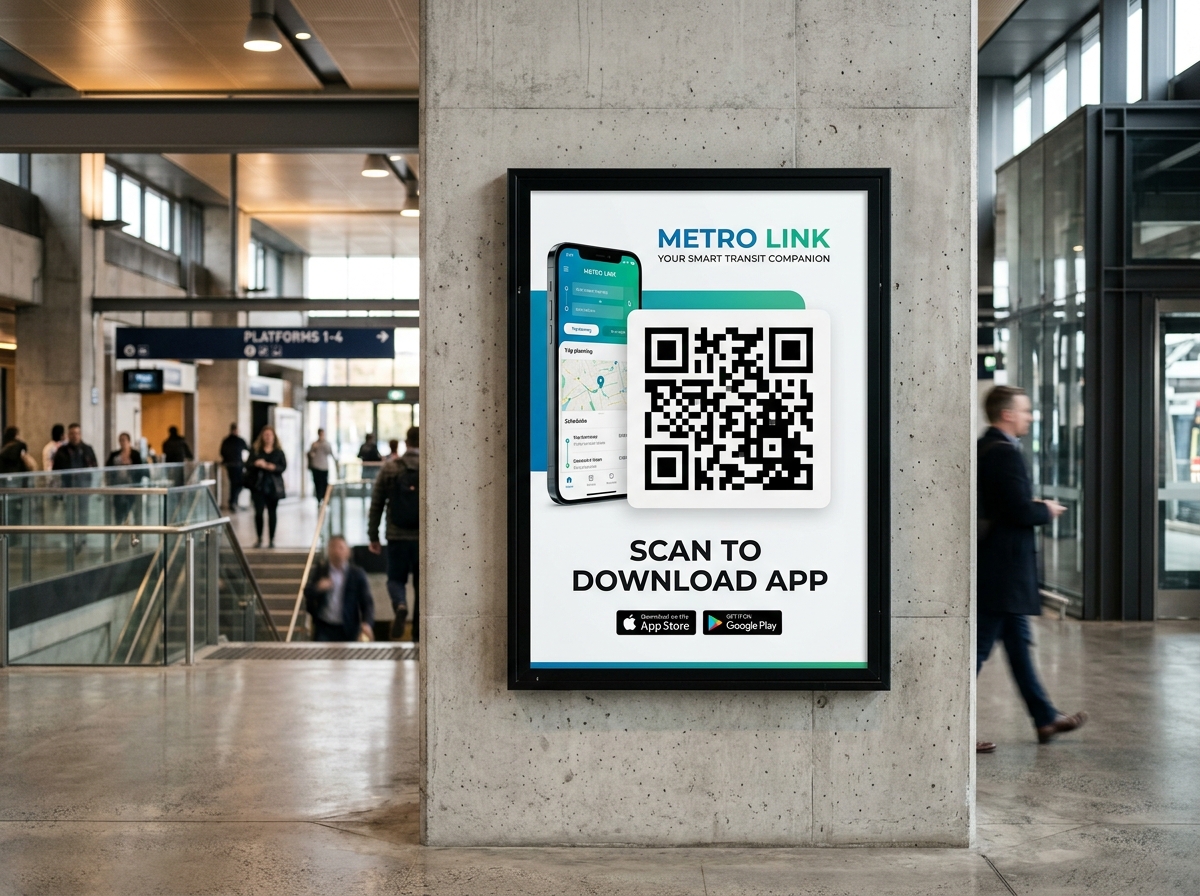
App Store Downloads
Deploy a single QR code on posters and packaging. Smart device rules automatically route iPhone users to Apple and Android to Google Play.
Nie wieder neu drucken. Links bearbeiten & jeden Scan in Echtzeit verfolgen.
Ändern Sie Ihre Ziel-URL in Sekundenschnelle, ohne gedruckte Flyer, Menükarten oder Verpackungen anzufassen. Verfolgen Sie Scans, Standorte und Geräte im Dashboard.
- Unbegrenzte SVG/PDF-Exporte
- 100 dynamische QR-Codes
- Ziel-URL jederzeit bearbeiten
- Scan-Analysen verfolgen
- Unbegrenzte gespeicherte QR-Codes
- Intelligente Weiterleitungsregeln (Gerät, Land, Uhrzeit)
Das Kleingedruckte, auf Deutsch:
- Keine Scan-Limits, niemals. Unbegrenzte Scans auf jedem dynamischen Code.
- Ihre Codes werden nie als Geisel genommen. Wenn Ihr Abo endet, leiten gedruckte Codes weiter. Sie verlieren nur die Bearbeitung, bis Sie reaktivieren.
- Mit einem Klick kündigen, direkt in Ihrem Dashboard. Keine Bindungstricks, kein Support-E-Mail nötig.
Ihre Abrechnung wählen





Frequently Asked Questions
Straightforward answers about dynamic redirection, print longevity, and account billing.
Can I create dynamic QR codes for free, or do they require Pro?
Static QR codes on Link Code Generator are 100% free forever with unlimited scans and no account required. Dynamic QR codes require a Pro plan ($9/month or $79/year), which includes up to 100 active dynamic QR codes, unlimited scans, real-time destination editing, smart redirect rules, and comprehensive scan analytics.
What happens to my dynamic QR codes if I cancel Pro?
Your printed codes never get held hostage. If you cancel Pro, your existing dynamic QR codes will continue redirecting scans to their destination without interruption. We never break your printed links. You only need an active Pro subscription to edit destination URLs, add or modify smart rules, view new scan analytics, or create additional dynamic QR codes.
How many dynamic QR codes can I create on Pro?
Link Code Generator Pro includes up to 100 dynamic QR codes. Every dynamic code comes with unlimited scans, full customization, and access to our real-time management dashboard.
Is there any limit on how many scans my dynamic QR codes can receive?
No. Every dynamic QR code includes unlimited scans. Unlike competitor services that cap your scans at 50 or 100 before disabling your code or demanding expensive upgrades, we never cap scans, throttle traffic, or charge bandwidth fees.
How fast does a destination URL update take effect?
Updates are instantaneous worldwide across our edge network. When you update a destination URL in your dashboard, the change propagates in milliseconds. The very next person who scans your printed code will land on the new URL immediately, with zero reprinting required.
What are smart redirect rules and how do they work?
Smart rules let you route scanners to different destinations from the exact same printed QR code based on their device operating system (iOS vs. Android), geographic country, browser language, or time of day. For example, a single QR code on product packaging can route iPhone scanners to the Apple App Store and Android scanners to Google Play. Pro plans include up to 5 smart rules per dynamic QR code.
What analytics data do I get with each scan?
Your dashboard tracks real-time scan metrics including total scan volume, unique visitors, device category (mobile vs. desktop), operating system (iOS, Android, macOS, Windows), browser, country, city, and scan timestamps. Telemetry is collected privacy-consciously without storing personally identifiable information (PII).
Can I download vector formats (SVG and PDF) for commercial printing?
Yes. Pro includes unlimited high-resolution SVG and vector PDF downloads alongside PNGs. Vector files can be scaled to any dimension (from small business cards to vehicle wraps and large billboards) with razor-sharp edges and zero pixelation.
Do dynamic QR codes look different from static QR codes?
Visually, dynamic QR codes look just as customizable as static codes. You can style them with custom brand colors, logos, corner styles, and frames. Because dynamic codes encode a compact short URL, the pixel grid is often cleaner and scans faster than a static code encoding a long URL.
Can I convert an existing static QR code into a dynamic QR code?
No. Static QR codes encode the destination URL directly into the pixel pattern itself. Because that address is permanently baked into the graphic, it cannot be edited once printed. If you anticipate ever needing to update your link or track scans, always create a dynamic QR code before sending materials to print.
Do customers or scanners need to download a special app?
No. Every modern iPhone and Android smartphone scans dynamic QR codes natively through the built-in camera app. Scanners are seamlessly redirected to your target destination in their default browser.
Do you offer a money-back guarantee?
Yes. Link Code Generator Pro is backed by a 30-day, no-questions-asked money-back guarantee. If Pro isn't the right fit for your workflow, reach out within 30 days and we will promptly refund 100% of your payment.